
How to Search Alameda County Court Records
Most Alameda County court records sit in one of three official portals. The right portal depends on the case type. The court's Public Portals page is the safest starting point because it routes the user to the correct system on the first click. Civil, family law, probate, mental health, and adoption cases sit in the eCourt Public Portal. Criminal cases sit in the Criminal Online Records Search, also called Odyssey. Traffic citations route through the traffic ticket tool. A short calendar tool, Find Your Court Date, can show the next five business days of hearings without a full case search.
A few rules apply across the board. eCourt requires a free account before any function works. Documents in eCourt cost credits, but the portal shows a free half-page preview to confirm a document before purchase. Odyssey also requires registration. The traffic ticket tool requires only the citation number or driver's license number, no account. Find Your Court Date is open to the public with no login, but results are capped at 200 rows and stop at five court days out.
The cleanest Alameda County court records search runs in this order.
- Pick the right portal. Civil, family, probate, mental health, and adoption start in eCourt. Criminal goes through the Criminal Online Records Search. Traffic citations use the traffic ticket lookup. Court dates across divisions use Find Your Court Date.
- Register a free account when the portal asks. Both eCourt and Odyssey require it before any search works.
- Pick a search mode. eCourt offers Name Search, Case Number Search, Calendar Search, and Public Reports (Filings).
- Enter the case number when you have it. Case-number lookups are fastest and avoid name conflicts.
- When only a name is known, use last name first, then add first and middle names to narrow the list.
- Review the docket, hearings, and parties. Use the free half-page preview to confirm a document before paying for the full copy.
- For criminal records, run Smart Search or Search Hearings inside Odyssey. For traffic, enter the citation number from the ticket.
- If the case is sealed, juvenile, adoption, or simply not online, call the Records Office at 510-891-6005 or email AskRecordsManagement@alameda.courts.ca.gov.
A search that returns nothing is not always a sign the case does not exist. Wrong portal, spelling, sealed status, juvenile or adoption restrictions, old non-digitized records, and the five-day cap on Find Your Court Date all cause empty results. The fix is usually a switch of portal or a phone call to the clerk in the right division.
The screenshot below comes from the official Alameda Superior Court Public Portals page, which describes each search tool and the registration step for each one.
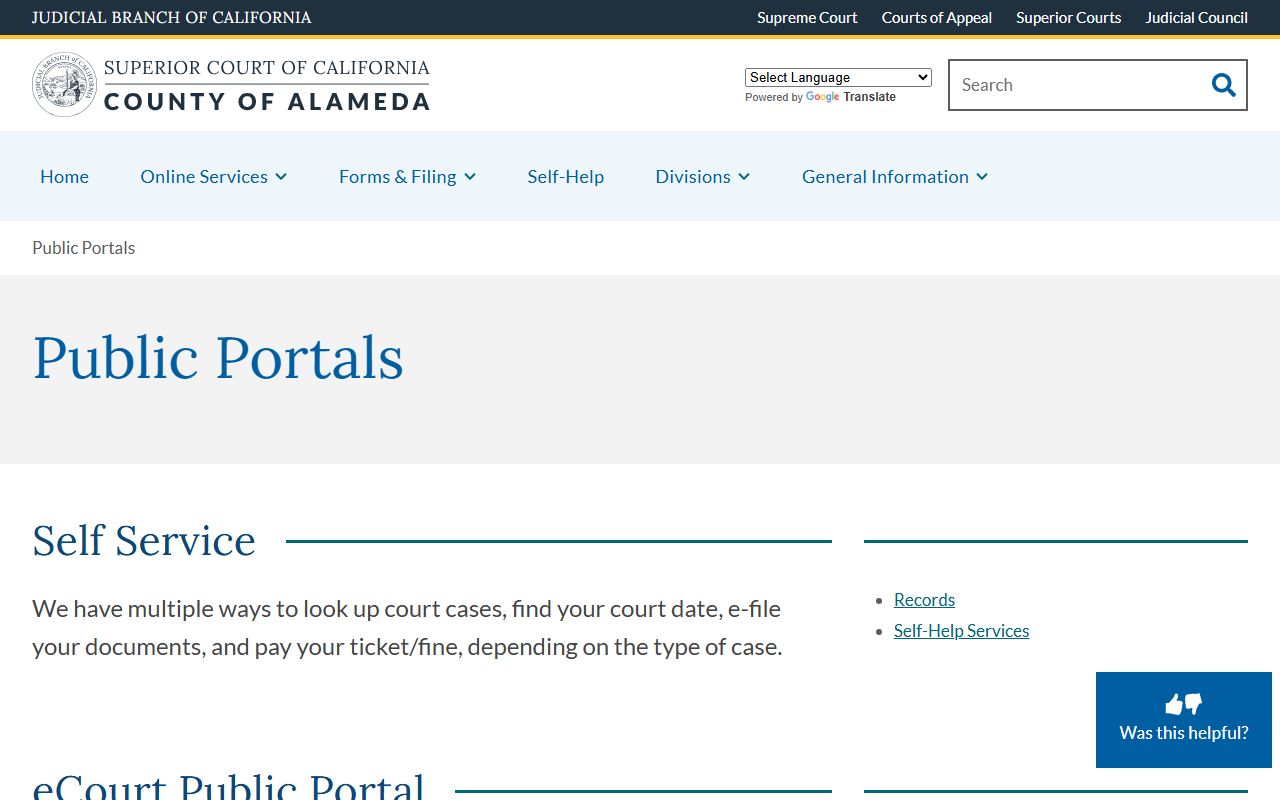
The same page links eFileCA for filing, the calendar tool, and the records office contact. Bookmarking it saves a phone call to the clerk's office on most days.
eCourt Search Field Inventory
The eCourt Public Portal exposes a set of fields and navigation options that shape every Alameda court records search. Knowing each field up front helps a user pick the right route on the first try. Name Search needs credits. Case Number Search is fastest. Calendar Search is best for hearing dates. Public Reports surfaces lists of filings by day or court.
| Field / Function | Type | Required | Notes |
|---|---|---|---|
| Login | link | Yes | Any function on eCourt requires a free user account. |
| Create an Account | link | For new users | Account saves reservations and a credit card; no PINs needed. |
| Searches | nav tab | No | Find case and party information; documents are paid, previews are free. |
| Reservation System (CRS) | nav tab | No | Make and manage court date reservations. |
| Department Information | nav tab | No | View direct-calendar civil, family, and probate departments. |
| Civil Complex | nav tab | No | Civil complex case information. |
| Name Search | search mode | No | Uses credits; best for last-name-first lookups. |
| Case Number Search | search mode | No | Fastest path when the case number is known. |
| Calendar Search | search mode | No | Find a hearing by date, party, or department. |
| Public Reports (Filings) | report mode | No | Surfaces lists of new filings by day or court. |
Find Your Court Date is a smaller calendar tool that anyone can use without a login. It accepts last name or organization, first and middle name, a match type, and a search range of today plus the next four court days. The notice on the page warns that data is current as of 5:00 PM on the prior business day and that up to 200 records will display.
What Alameda County Court Records Show
A typical Alameda County court record shows a case caption, case number, filing date, court location, judicial officer, parties, attorneys, docket of filings, hearings, orders, and a final disposition. The clerk calls this set of entries a register of actions. Criminal cases add charges, statutes, plea, sentence, and bail or bond. Family cases add custody, support, and restraining-order entries. Probate cases add a personal representative, bond, inventory, accounting, and a final distribution.
The same record can hold dozens of paid documents. eCourt sells them by credit, but a free half-page preview helps a user confirm the right document before paying. Some fields are redacted by rule. Social Security numbers, financial account numbers, medical and mental-health data, minor names, and sealed material are removed from public view.
| Field | What It Shows |
|---|---|
| Case Number | Court-assigned ID; format varies by division and case type. |
| Case Caption | Names of plaintiff and defendant, or petitioner and respondent. |
| Case Type | Civil, family law, probate, mental health, adoption, criminal, or traffic. |
| Filing Date | The day the complaint, petition, or information was filed. |
| Court Location / Department | Courthouse, department number, courtroom, and judicial officer. |
| Parties and Attorneys | Full names, role, attorney of record, and law firm where public. |
| Docket / Register of Actions | Filings, hearings, minute orders, continuances, motions, and rulings. |
| Hearings | Date, time, department, hearing type, result, and next date. |
| Disposition | Outcome of a charge, a motion, or the whole case. |
| Judgment / Sentence | Final ruling, money judgment, plea, or sentence in a criminal matter. |
| Financial Entries | Filing fees, fines, restitution, bail, civil assessments, and payments. |
| Documents | Downloadable in eCourt for a fee; free half-page preview. |
| Redactions | SSN, account numbers, medical info, minor names, sealed material. |
Two phrases catch most users by surprise. A disposition is the outcome of a charge or a motion, not the case as a whole. A case can carry many dispositions inside one criminal file when the prosecutor charged many counts. A continuance is a postponement, not a dismissal. The docket stays open until the court enters a final judgment or order of dismissal.
Types of Alameda County Court Records
The Alameda County court records system holds the full range of trial court files. The civil division covers disputes over money, real property, and torts. The criminal division covers infractions, misdemeanors, and felonies filed by the Alameda County District Attorney. The family division covers divorce, parentage, custody, support, and certain restraining orders. The probate division covers wills, trusts, conservatorships, and guardianships, and probate filings only land at the Berkeley Courthouse.
Most of these record types live in different official systems. Civil, family, probate, mental health, and adoption sit in eCourt. Criminal sits in Odyssey. Traffic sits in the traffic ticket tool. Recorded land documents and vital records sit with the separate Alameda County Clerk-Recorder, not the court clerk.
- Civil records include complaints, answers, motions, judgments, and appeals filed at the Davidson, Hayward, or other civil-handling courthouses.
- Criminal records are filed by the Alameda County DA and heard at Davidson, Wiley Manuel, Fremont, and East County under the criminal division.
- Family law records cover divorce, parentage, custody, support, and domestic violence restraining orders handled by the Family Division.
- Probate records include decedent estates, trusts, conservatorships, and guardianships filed only at the Berkeley Courthouse, 510-647-4439.
- Traffic records cover infractions and minor misdemeanors processed through the traffic ticket tool and the Wiley Manuel, Fremont, or East County clerks. See the traffic court records page for citation lookup steps.
- Juvenile records for delinquency and dependency are confidential under WIC § 827 and handled at the San Leandro Juvenile Justice Center.
- Mental health and CARE Act records may show only limited docket entries because of statutory privacy.
Small claims and unlawful detainer are also court records. Small claims is a simplified civil track. Unlawful detainer cases land in Department 511 at Hayward Hall of Justice. Both types appear inside eCourt under the civil category, but tenant addresses and other protected information may be redacted.
Public Access Laws for Alameda County Court Records
California splits public-record rules between agency records and court records. Agency records fall under the California Public Records Act, codified at Government Code § 7920.000 and the sections that follow. Court adjudicative records are governed by court rules, common-law access, and division-specific confidentiality statutes. Judicial administrative records run under California Rules of Court rule 10.500, which Alameda follows through a written request to Public Access Request, 1225 Fallon Street, Room 209, Oakland, or by email to PubAccessRequest@alameda.courts.ca.gov.
The CPRA was first enacted in 1968 and was recodified into the Government Code § 7920 et seq. structure effective January 1, 2023. A CPRA request is not the normal way to get a copy of a complaint, divorce decree, probate order, or criminal minute order in Alameda County. Use the court records process for those. The CPRA route applies to county departments such as the Sheriff or the Clerk-Recorder when those offices hold the record.
Several California statutes shape what gets released and what stays sealed. Each one points to a specific record-cleaning or confidentiality route.
Key California statutes for Alameda County court records:
Government Code § 7920.000 - California Public Records Act covering state and local agency records.
Penal Code § 851.91 - Petition to seal an arrest that did not lead to a conviction.
Penal Code § 851.8 - Factual innocence; sealing and destruction of arrest records.
Penal Code § 1203.4 - Dismissal after probation, often called expungement, with limits.
Welfare and Institutions Code § 827 - Juvenile case file confidentiality.
The screenshot below comes from the California Legislative Information page for Government Code § 7920.000, which sets the framework for the state Public Records Act used by Alameda County agencies.
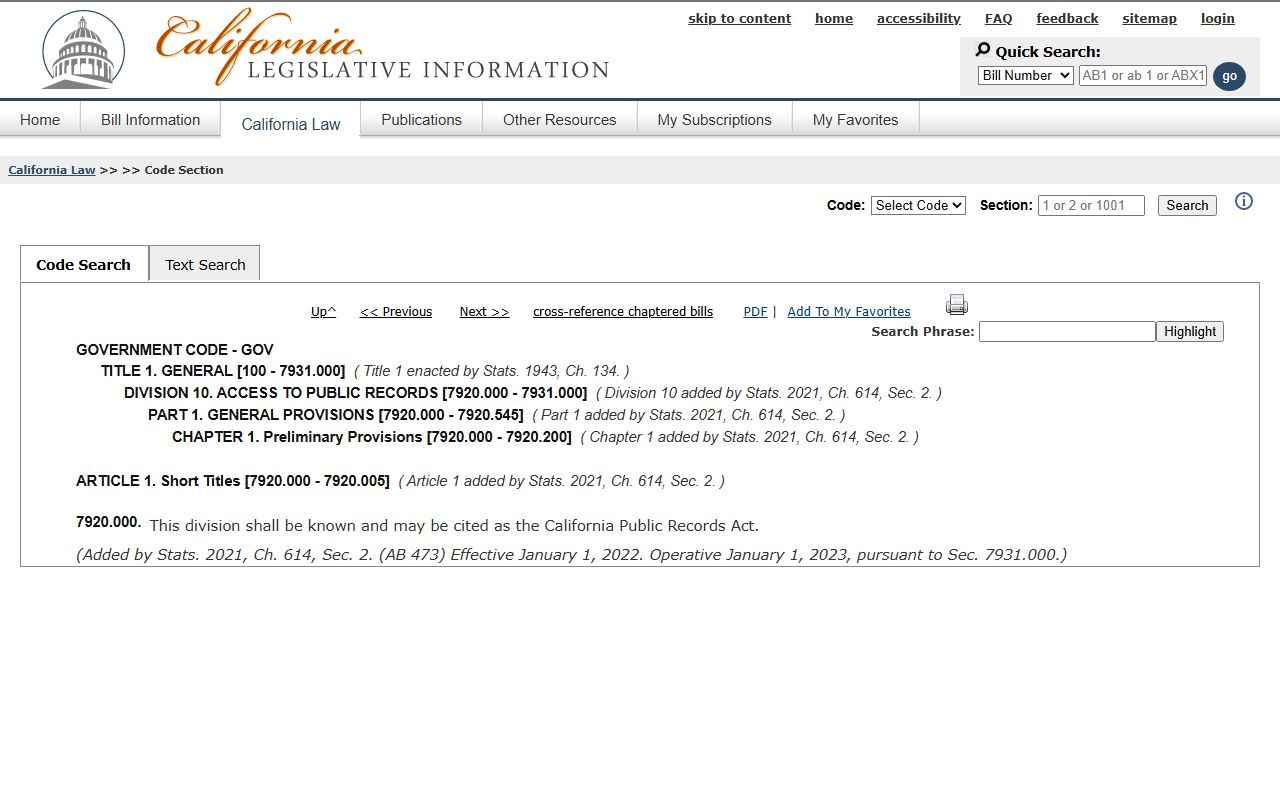
The same page is the canonical source when a clerk or agency cites CPRA. Print it for any public-records dispute that touches Alameda County records.
Note: A CPRA submission to a county agency does not substitute for a court records request, and a court records request does not substitute for a CPRA submission.
Restricted and Sealed Alameda Court Records
Several record types stay outside public view in Alameda County. Juvenile case files are confidential under WIC § 827 and California Rules of Court rule 5.551. Adoption records are confidential under Family Code § 9200; the California Department of Social Services directs petitioners to the superior court where the adoption was finalized. Sealed cases under California Rules of Court rule 2.550 are not open to the public except by court order. Domestic violence victim addresses, medical and mental-health data, financial account numbers, Social Security numbers, and minor names are redacted from public filings.
The screenshot below comes from the official California Rules of Court rule 5.551, which sets the juvenile case file confidentiality rule applied by Alameda courts.
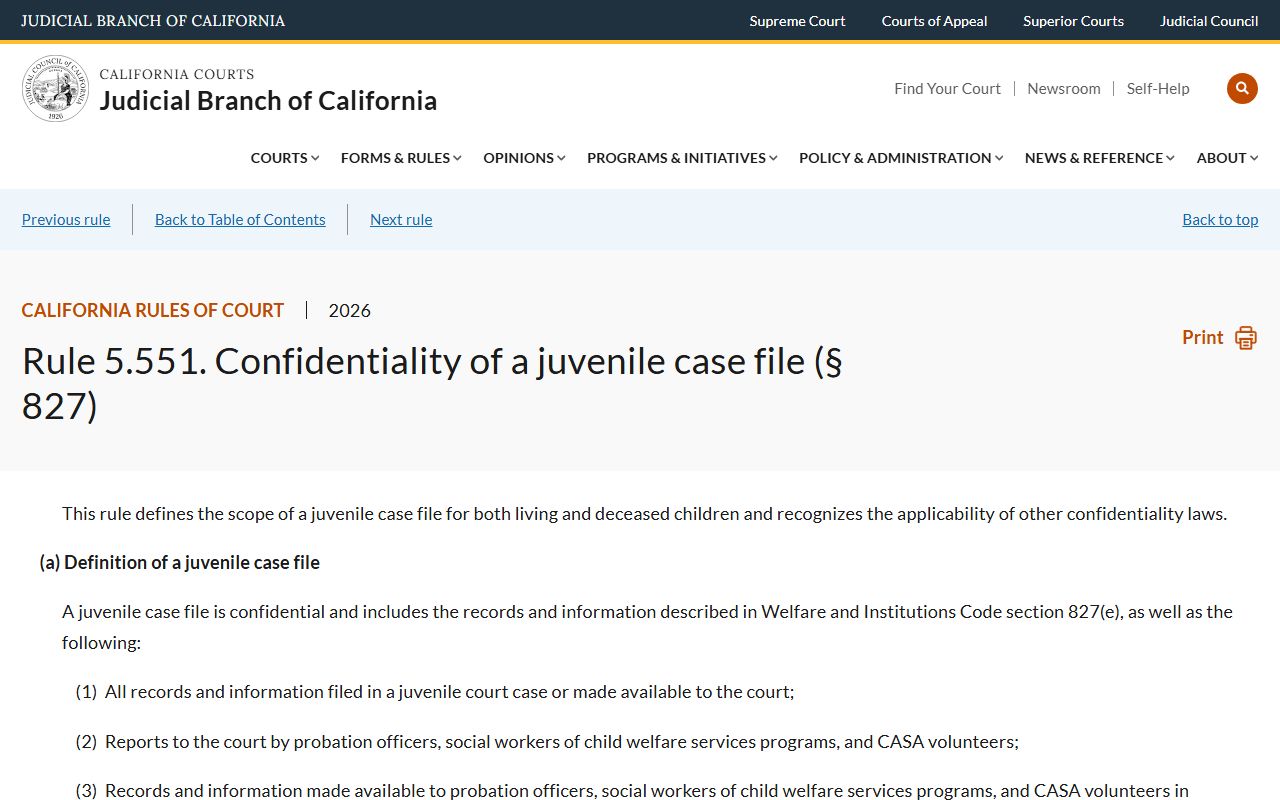
The rule defines juvenile case file material broadly and limits access to listed persons, agencies, or by juvenile court order. A public Alameda search should not promise online access to juvenile or adoption files.
California has three main record-cleaning routes. Penal Code § 851.91 seals arrests that did not lead to a conviction. Penal Code § 851.8 allows sealing and eventual destruction when a person proves factual innocence. Penal Code § 1203.4 dismisses a conviction after probation in qualifying cases, but it does not erase the case for every purpose. The Alameda County Public Defender runs a Clean Slate unit for clients who may qualify.
The screenshot below comes from the California Courts Clean Your Record self-help page, which walks Alameda users through the arrest-sealing path under Penal Code § 851.91.
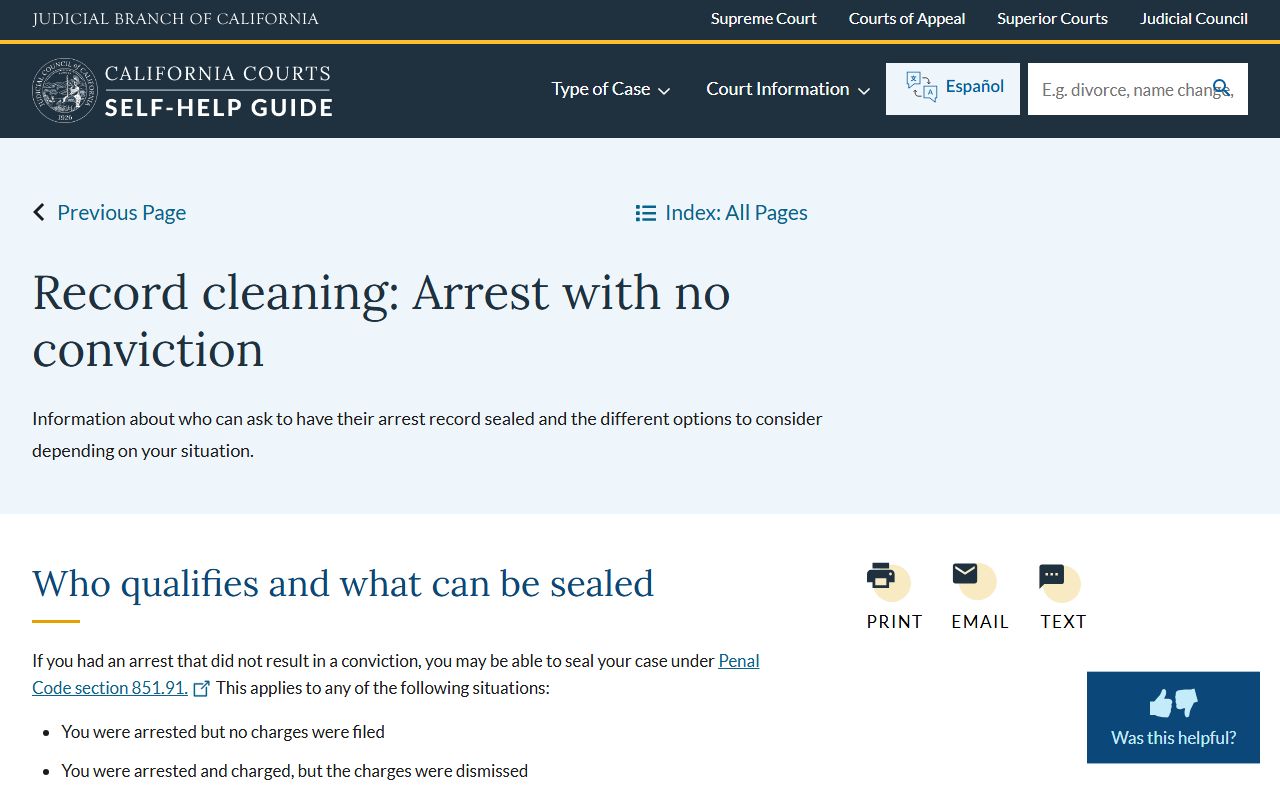
The self-help page links the petition form and explains that some government agencies may still see a sealed Alameda arrest record even after the order is granted.
In-Person and Mail Requests
Some Alameda County court records cannot be pulled online. Older, sealed, juvenile, adoption, and certain mental-health files all route through the Records Office. The same office handles certified copy orders for civil, family, and probate records. Mail requests should include the case number, party names, the document requested, a daytime phone number, and a self-addressed stamped envelope. Certified copies carry separate certification and per-page fees set by statewide Judicial Council rules.
The Records Office sits inside the René C. Davidson Courthouse on the second floor. Walk-in hours are limited, so calling ahead saves a wasted trip. The court asks the public to email the Records Office for most non-urgent requests.
Alameda Superior Court Records Office
René C. Davidson Courthouse
1225 Fallon Street, Room 209
Oakland, CA 94612
510-891-6005
AskRecordsManagement@alameda.courts.ca.gov
Mon-Fri, 8:30 AM - 2:30 PM
For court administrative records such as policies, contracts, or staff writings, the public uses California Rules of Court rule 10.500. Alameda routes those requests to ATTN: Public Access Request, Superior Court of California, County of Alameda, 1225 Fallon Street, Room 209, Oakland, CA 94612, or to PubAccessRequest@alameda.courts.ca.gov. Fees may apply under rule 10.500(e)(4). The court does not accept rule 10.500 requests by fax.
The screenshot below comes from the Alameda Judicial Administrative Records page, which explains the rule 10.500 process and lists the same Room 209 address.
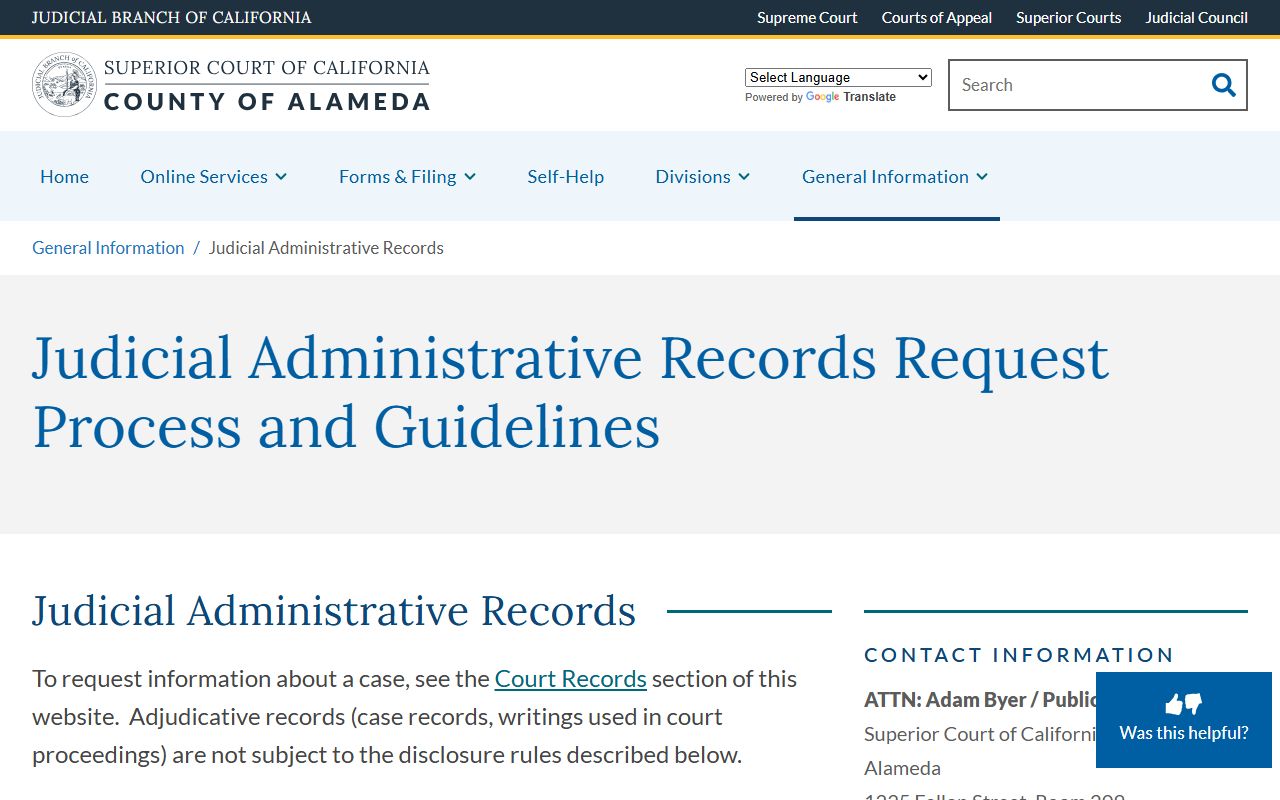
The same page distinguishes administrative records from case records. Use the case route for a complaint, decree, or minute order; use the rule 10.500 route for court policies, contracts, and other administrative material.
Alameda Court Records Fees and Copies
The Alameda Superior Court keeps current fees on the Fee and Bail Schedules page. Most consumer-side fees follow the statewide Judicial Council uniform schedule. eCourt charges credits for document downloads and name searches; a free half-page preview shows on screen before purchase. The court grants fee waivers for low-income filers under Government Code § 68631.
| Service | Amount |
|---|---|
| eCourt document download | Per-credit fee; free half-page preview before purchase |
| Certified copy of a court record | Per-page and certification fee per Judicial Council schedule |
| Civil assessment for failure to appear or pay | $300 under Penal Code § 1214.1 |
| In-person credit card transaction fee | 2.3% |
| Fee waiver for low-income filer | Available under Government Code § 68631 |
The screenshot below comes from the Alameda Fee and Bail Schedules page, which links the active schedule used by every Alameda court clerk.
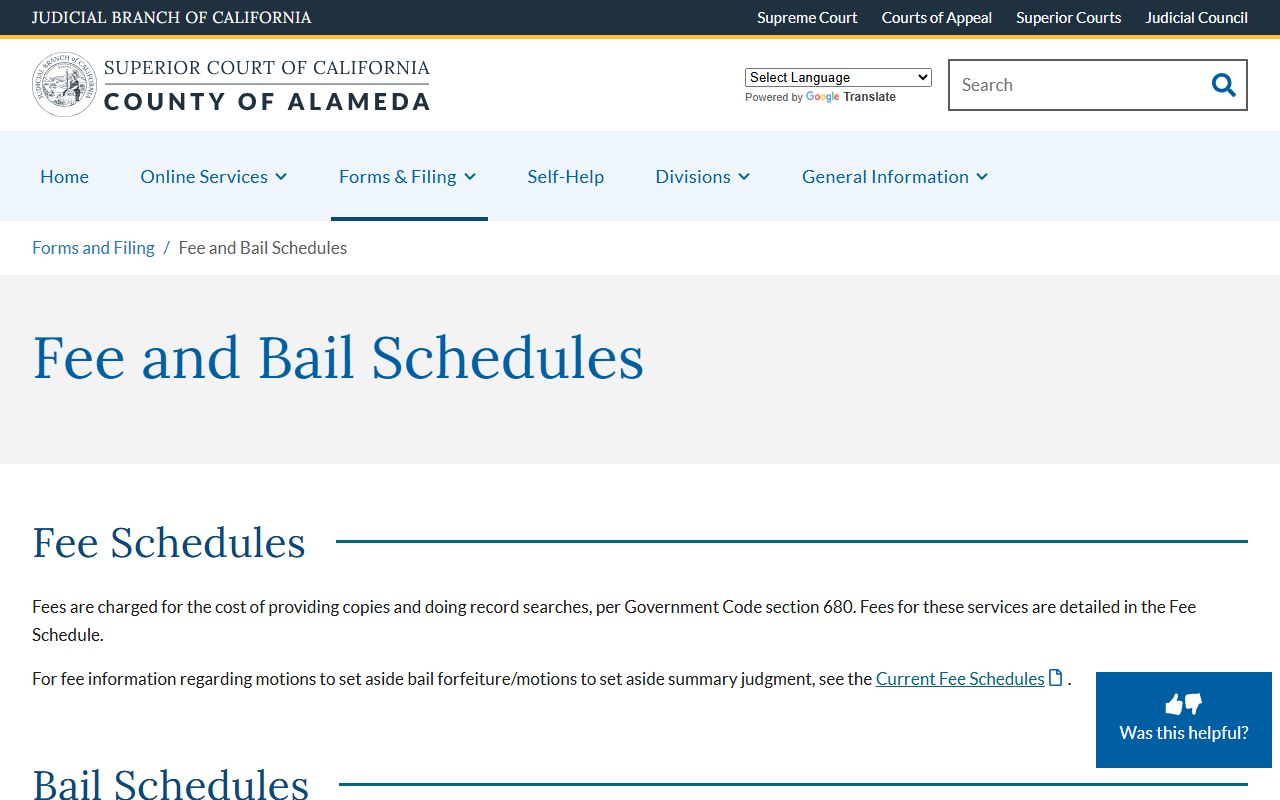
Confirm any fee on that page before mailing a check. Schedules update each fiscal year, and a stale fee can stall a records request.
Note: A printout from a public portal is not a certified record; courts and most agencies require a certified copy from the Records Office for hearings, license renewals, and background-check uses.
Related Alameda County Court Records Searches
Several searches sit next to a basic Alameda County court records lookup. A docket-only search is faster when the user just needs the next hearing date. A criminal-records search routes to Odyssey and uses Smart Search instead of Name Search. A traffic ticket search routes to the citation tool. A public-records request to a county department uses NextRequest or a direct department contact. Each of those tools answers a different question.
- For docket and calendar-only lookups, see the Alameda County court dockets page.
- For arrests, charges, and criminal case detail, see the Alameda County criminal records page.
- For citations, traffic school, and bail forfeiture, see the Alameda County traffic court records page.
- For CPRA requests to county departments, see the Alameda County public records page.
- For certified copies, e-filing, and clerk-level questions, see the Clerk of the Superior Court page.
- For court structure, judges, and division contacts, see the Superior Court page.
- For common questions about Alameda County court records, see the FAQ.
The Self-Help Center at the court runs free clinics and links the statewide self-help guide. For unrepresented filers, the self-help route is often faster than a paid online search.
The screenshot below comes from the Alameda Self-Help Center, which lists free workshops, guided interviews, and partner clinics across the county.
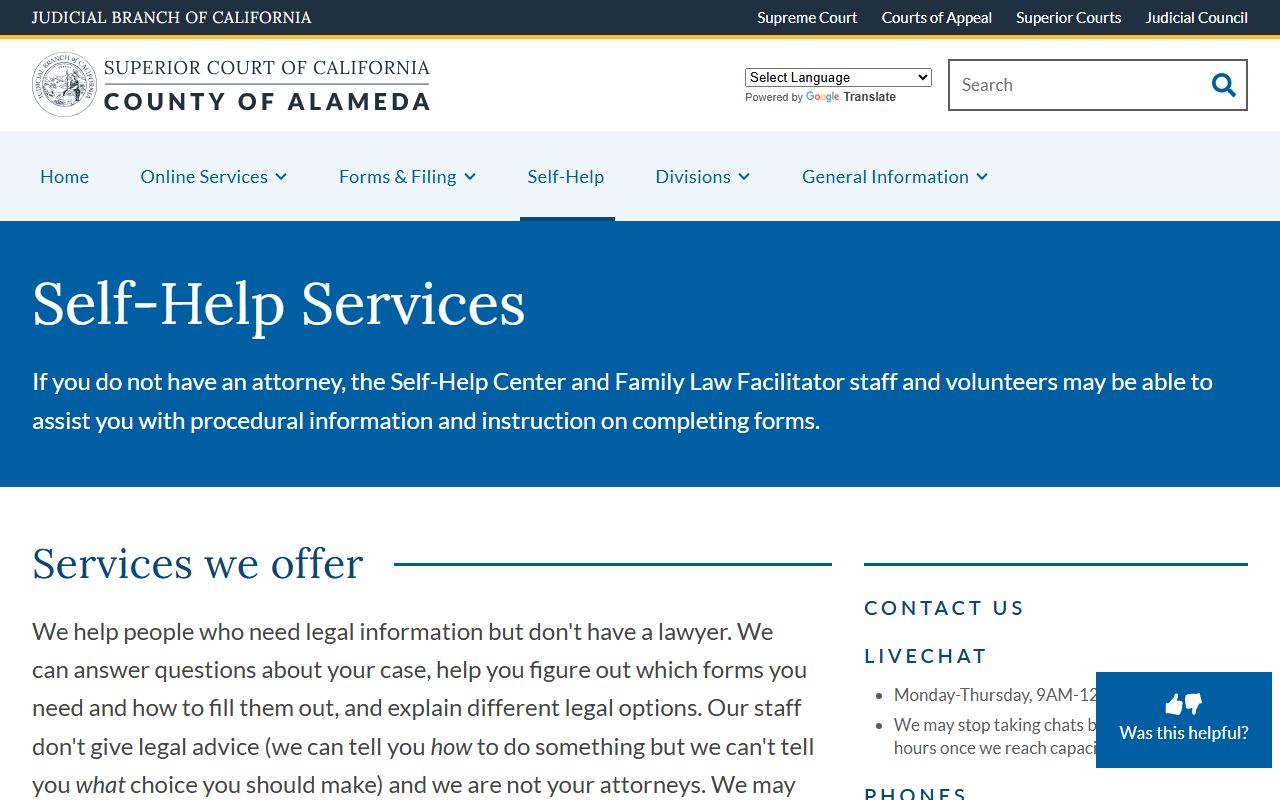
The self-help page links partner groups including East Bay Community Law Center and Bay Area Legal Aid for low-income Alameda residents.
Accuracy of Alameda County Court Records
Court systems update on a delay. Find Your Court Date is current as of 5:00 PM Pacific Time on the prior business day and caps results at 200 rows. eCourt updates as the clerk processes the day's filings, so a same-day filing may not appear until the next business day. The Criminal Online Records Search updates on a similar lag. A document downloaded from a public portal is not a certified record; for a court-ready copy, request a certified copy from the Records Office at 510-891-6005.
Spelling variations cause many false negatives. Common nicknames, hyphenated last names, and matronymic surnames can hide a real Alameda County court record from a Name Search. Try the phonetic option when available, or shift to the case number when known.
Note: Confirm any Alameda County court records detail with the originating division before relying on it for a hearing, license, or background-check decision.